
What is Live Streaming?
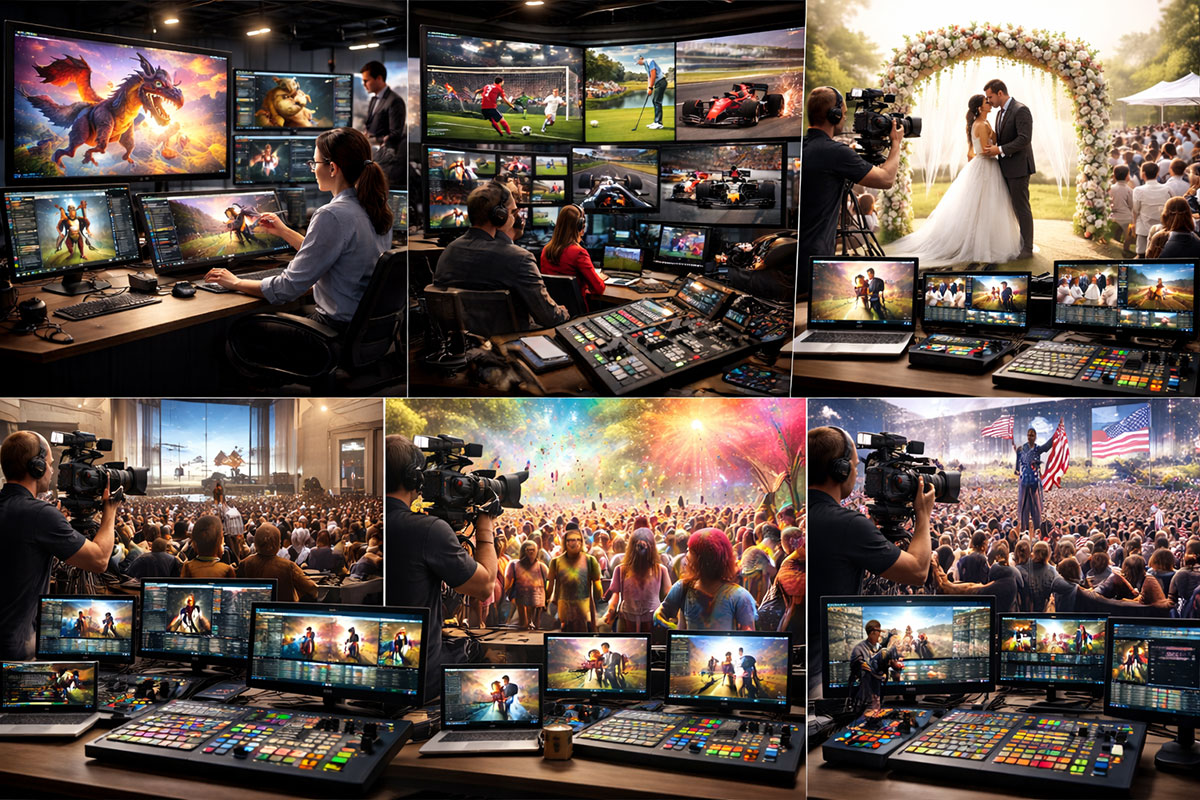
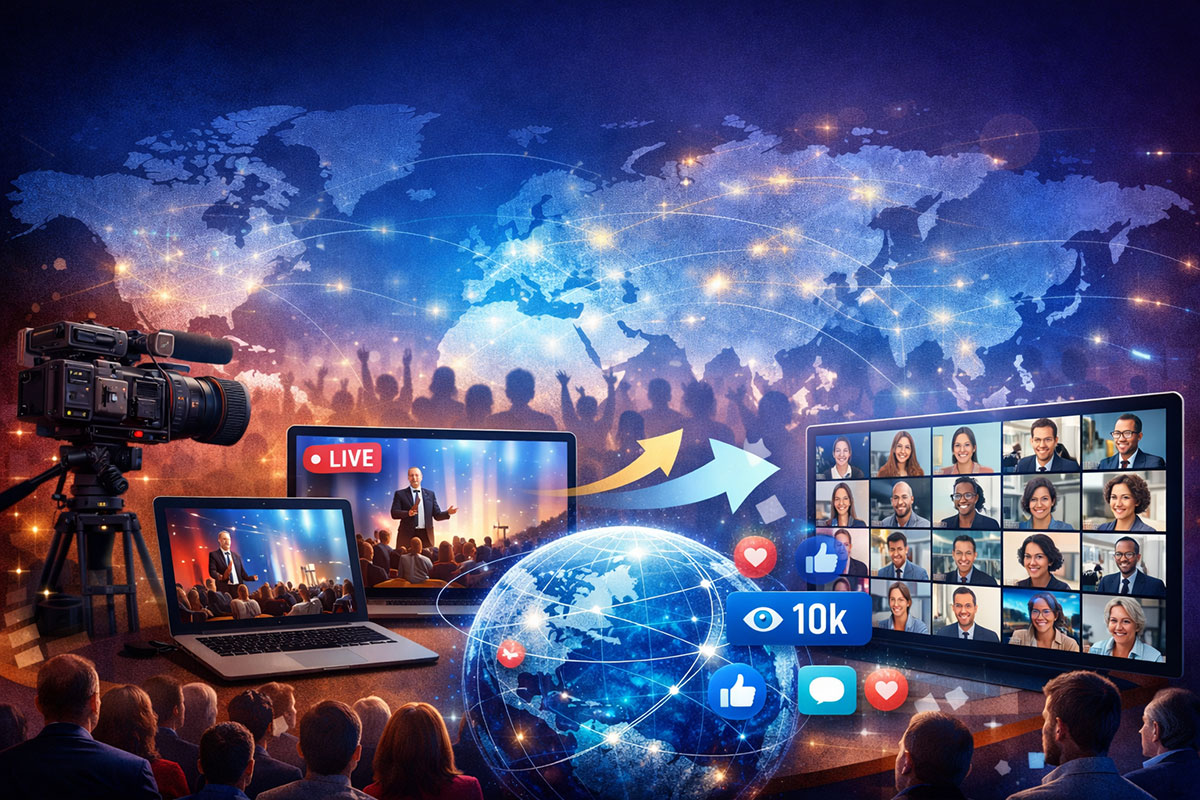
Live streaming is broadcasting video content in real-time over the internet. Unlike pre-recorded videos, live streams happen live — your audience watches as events unfold. Platforms like YouTube, Twitch, Facebook, and TikTok all support live streaming.
Live streaming has exploded in popularity. In the first three months of 2025 alone, people worldwide watched nearly 30 billion hours of live video. The global live streaming market is projected to grow from $2.6 billion to $9.8 billion by 2033.
Which Platform Should You Stream On?
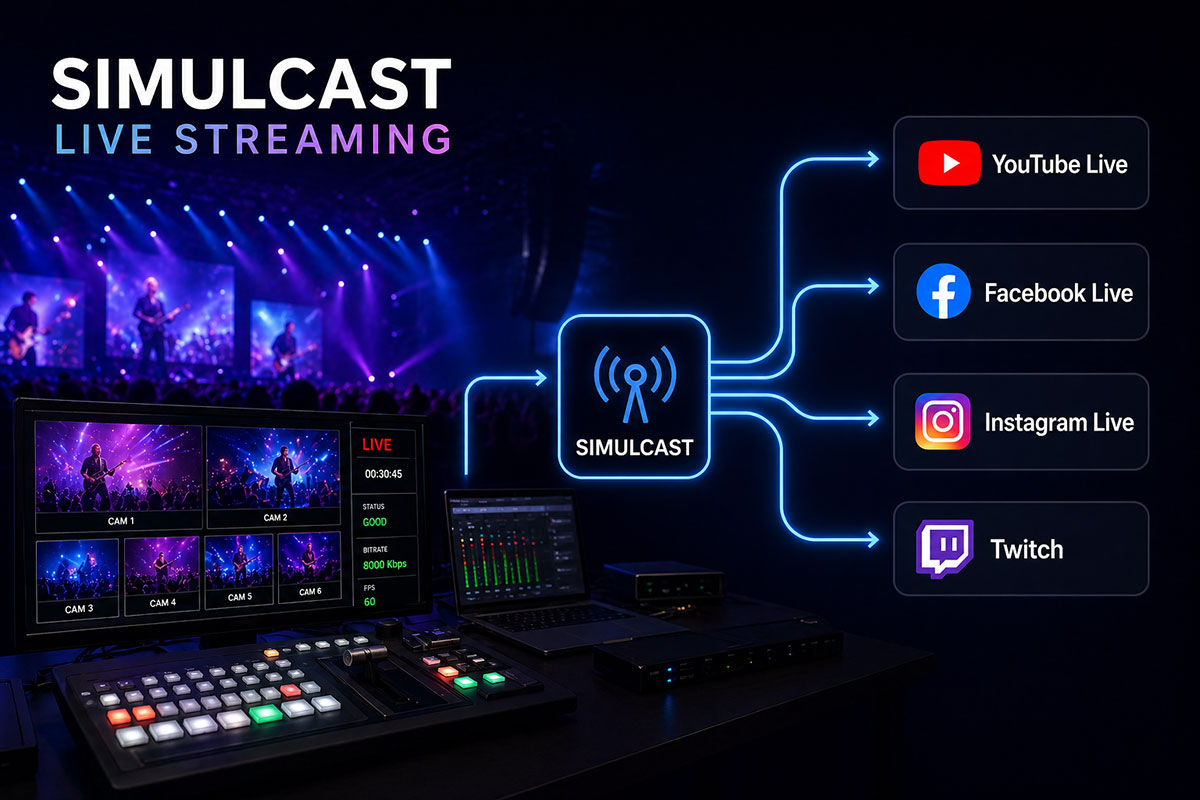
YouTube is the best all-round platform for beginners. Your streams are searchable, they convert into videos after going live, and it is easier to grow an audience here. Twitch is better if you are focused purely on gaming. Facebook Live works best if you already have a Facebook following.
For beginners, we recommend starting on YouTube only. Do not try to stream everywhere at once — master one platform first.
What Equipment Do You Need to Start?
You do not need expensive equipment to start live streaming. Here is what a beginner needs
A computer (Windows or Mac) or a modern smartphone
A webcam — even a basic 1080p webcam works fine
A microphone — audio quality matters more than video quality
Stable internet connection — minimum 5 Mbps upload speed
Streaming software — OBS Studio (free) is the most popular choice
How to Set Up Your First Live Stream
- Download and install OBS Studio (free at obsproject.com)
- Create a YouTube or Twitch account
- Go to your platform’s live dashboard and copy your Stream Key
- Paste the Stream Key into OBS Studio settings
- Set your bitrate to 4000-6000 Kbps for 1080p streaming
- Click ‘Start Streaming’ in OBS and you are live
How to Grow Your Live Stream Audience
Growing takes time but consistency is the number one factor. Here are the basics
Stream at the same time weekly so viewers know when to tune in
Promote your stream on social media 24 hours before going live
Engage with every comment and question during your stream
Repurpose your stream into short clips for YouTube Shorts or TikTok
Collaborate with other small streamers in your niche
How to Make Money Live Streaming
Monetization takes time. Here are the main ways streamers earn money
- Ad revenue — available once you meet platform partner requirements
- Donations and tips — viewers can send money during your stream
- Sponsorships — brands pay you to promote their products
- Subscriptions — viewers pay a monthly fee for exclusive perks
- Pay-Per-View events — charge for exclusive content or events
- Merchandise — sell branded products to your community
Content Calendar — What to Read Next
This pillar guide links to our full series of detailed articles. Read each one to master every part of live streaming
What Internet Speed Do You Need for Live Streaming?
(Week 1)
OBS Studio Settings for Beginners: The Complete Setup Guide (Week 2)
YouTube vs Twitch vs Facebook — Which Platform is Best for You? (Week 3)
How to Make Money Live Streaming: From Zero to First Dollar (Week 4)
FAQ,s
Can I live stream for free?
Yes. OBS Studio is completely free, and YouTube, Twitch, and Facebook do not charge to go live. Your only cost is your equipment and internet connection.
Do I need a powerful computer to stream?
Not necessarily. A modern mid-range computer (Intel i5 or equivalent, 8GB RAM) is enough for basic 1080p streaming. Gaming while streaming at the same time requires a more powerful setup.
How long should my live streams be?
Aim for at least 30 minutes per stream. Most successful streamers go live for 1-3 hours. Longer streams give the algorithm more time to recommend your stream to new viewers.
Can I live stream from my phone?
Yes. YouTube, Instagram, TikTok, and Facebook all support mobile live streaming directly from their apps. No extra software required.