
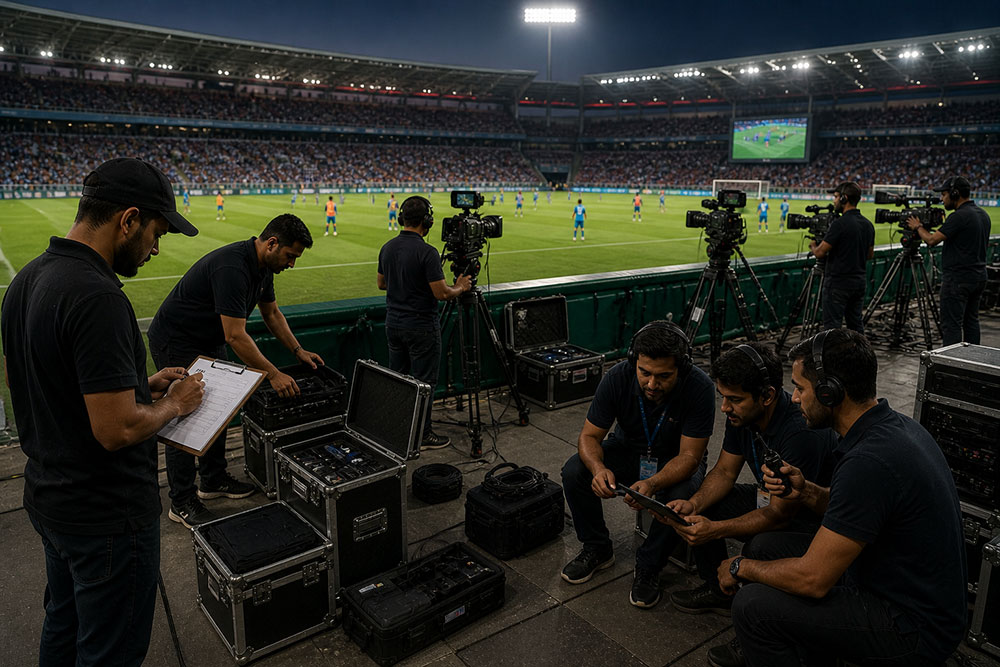
Live streaming professional sports events requires precision, reliability, and high-end production quality. Whether it’s a local tournament or a national-level match, delivering a seamless viewing experience is critical.
Why Sports Streaming is Different
Sports events are dynamic and fast-paced. Unlike static events, they require multiple camera angles, real-time switching, and zero latency.
Technical Checklist for Streaming Sports Events
1. Multi-Camera Setup
Use at least 3–6 cameras to capture different angles:
– Wide shot for field coverage
– Close-ups for player action
– Crowd reactions
2. Video Switcher
A professional video switcher allows real-time transitions between camera feeds.
3. High-Quality Audio Setup
Include commentary microphones, ambient crowd sound capture, and noise control systems.
4. Stable Internet Connection
Minimum 10–20 Mbps upload speed recommended with a backup connection.
5. Encoding Equipment
Use hardware encoders for reliability and better streaming quality.
6. Graphics & Score Overlay
Include live scoreboards, player stats, and branding elements to enhance viewer experience.
7. Streaming Platform
Choose platforms like YouTube Live, Facebook Live, or OTT platforms depending on your audience.
8. Backup Systems
Always have spare cameras, cables, and power backups.
9. Lighting Setup
Ensure proper lighting for indoor or night matches.
10. Testing Before Going Live
Conduct full rehearsals to identify and fix technical issues.
Conclusion
Streaming sports events professionally requires the right mix of technology and expertise. By following this checklist, you can deliver a high-quality viewing experience that keeps audiences engaged.
