
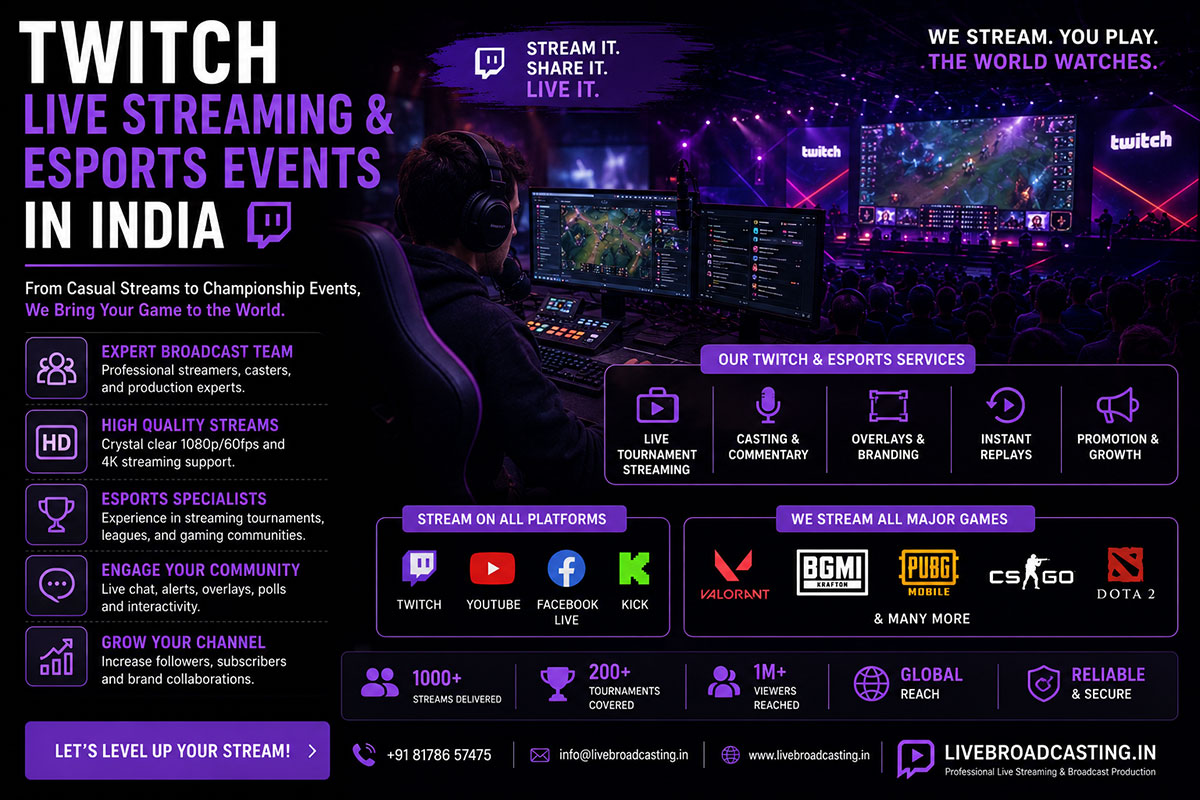
Indian esports has moved from bedroom setups to ticketed arena events, corporate-sponsored tournaments, and college gaming festivals with prize pools that attract national attention. But esports audiences are also the most demanding, technically literate viewership in live streaming — they’ve watched global tier-1 tournaments and immediately notice a laggy feed, an unsynced overlay, or chat that isn’t integrated into the broadcast. Streaming an esports event the way you’d stream a corporate town hall simply doesn’t work.
This guide covers what event organizers need to know to run a Twitch stream for a gaming or esports event that meets this audience’s expectations.
Why Esports Streaming Is Fundamentally Different
Unlike a traditional live event where the crowd watches a stage, an esports broadcast typically layers three visual sources simultaneously: the in-game feed (captured directly from the gaming PCs or consoles), the player-facing camera (reaction shots), and the caster/commentary desk. Cutting cleanly between these three feeds in real time, with an on-screen scoreboard and sponsor branding, requires a production switcher setup fundamentally different from a single-stage-camera event.
Twitch-Specific Considerations
Twitch’s audience and platform mechanics differ from YouTube or Facebook in ways that affect production choices:
- Chat is part of the experience. Twitch viewers expect the broadcast to acknowledge and interact with live chat — a caster reading out chat reactions during downtime keeps engagement high.
- Lower tolerance for latency. Because Twitch audiences frequently cross-reference in-game state with chat discussion in real time, excess delay between game action and stream broadcast feels noticeably “off” to this audience in a way it wouldn’t to a general viewer.
- Emotes and overlays matter for brand identity. Custom on-screen graphics that match the tournament or brand’s visual identity are a stronger expectation on Twitch than on more general-purpose platforms.
Core Production Setup for an Esports Event
A credible esports broadcast typically needs:
- Game capture feed — direct HDMI/capture card output from each competing rig or console, fed into the production switcher
- Player cam — a webcam or small camera on each player/team for reaction shots
- Caster desk camera and audio — clean mic feed for commentary, mixed separately from crowd/ambient audio
- Scoreboard/overlay graphics — live score, round number, sponsor branding
- Production switcher — to cut between game feed, player cam, and caster desk in real time
Latency Management: The Technical Core of Esports Streaming
Because Twitch’s default ingest introduces a natural handful of seconds of delay, tournament organizers running any interactive element — live audience polling, in-venue big-screen display synced to the stream — need a production team that understands how to manage this delay deliberately rather than let it cause confusion. This is closely related to protocol choice, covered in more depth in our SRT vs RTMP guide.
Multi-Platform Reach Beyond Twitch
While Twitch remains the esports-native platform, many Indian tournament organizers simulcast simultaneously to YouTube and Instagram to capture the broader, less gaming-specific audience — parents, sponsors, and casual viewers who may not have Twitch accounts. This is exactly the kind of multi-platform simulcast delivery that maximizes total tournament viewership without requiring separate productions.
Sponsor Visibility in Esports Broadcasts
Esports tournaments are increasingly sponsor-funded, and sponsors expect measurable on-screen visibility — logo placement in overlays, branded transition graphics, and caster mentions during natural breaks. A well-produced broadcast with consistent branding across game feed, player cams, and overlays is a significant factor in whether sponsors renew for the next tournament.
Book Your Esports Production
Whether it’s a college LAN tournament or a corporate-sponsored regional championship, esports audiences will notice production quality immediately. Book Esports Streaming Support and give your tournament the broadcast quality this audience expects.
